
9 Best Tools for WhatsApp Template Messages in 2026
Template messages get rejected, and your WhatsApp campaigns stall before they send. Many platforms bury approval rules in fine print, so you find out after a customer complains. Choosing the wrong tool costs you deliverability and hours of rework.
This article breaks down what actually matters in template messaging tools, from Meta compliance to pricing models. You will get a clear comparison of nine platforms, including Com.bot, and the criteria to pick the one that fits your volume, budget, and support needs.
What to Look For in WhatsApp Template Message Tools
Selecting the right WhatsApp template message tool requires evaluating features, compliance, and pricing to ensure seamless business messaging. The wrong pick can stall campaigns, trigger template rejections, or inflate costs as volume grows.
WhatsApp is not a typical marketing channel. Every message sent through the WhatsApp Business Platform must follow Meta's rules, and every template needs approval before it reaches a customer. That means the tool you choose has to do more than send messages. It needs to manage the full lifecycle of a template, from creation to approval to performance tracking.
Three areas matter most: template management capabilities, compliance handling, and pricing transparency. A tool that excels at one but neglects the others will create friction somewhere in your workflow.
It also helps to think about where your messaging is headed. A business sending a few notification templates today may want bulk messaging, chatbot integration, and CRM integration tomorrow. Tools that scale with that growth tend to be worth more than cheaper options that cap out early.
The sections below break down each factor so you can compare tools on equal footing.
Key Features, Compliance, and Pricing Factors
When evaluating WhatsApp template message tools, prioritize features like template management, automation, and integrations, alongside compliance with Meta's policies and transparent pricing structures. Each factor carries real weight once you move past a trial.
Template creation and editing sits at the center of any serious tool. Look for support for variable placeholders, so a single template can serve many customers with personalized messaging. Dynamic content and rich media templates, including images, documents, and video, extend what a message can do.
Interactive elements matter for customer engagement. The strongest tools support:
- Quick reply buttons that let customers respond with one tap
- Call-to-action buttons linking to a site or starting a conversation
- List messages for presenting multiple options in one template
On compliance, the essentials are non-negotiable. Your tool should help you collect and track opt-in compliance, select the correct category (marketing templates, utility templates, or authentication templates), and manage the message approval process. Templates for OTP delivery and transactional messages often face stricter scrutiny, so rejection handling and resubmission workflows matter here.
Pricing falls into a few common shapes. Some platforms charge per-message, others use subscription tiers with usage limits, and many add charges for add-ons like extra seats or automation. Watch for the gap between the advertised rate and the effective cost at your real volume.
Finally, weigh message automation and integrations. A tool that connects cleanly to your CRM and chatbot stack reduces manual work and keeps conversational commerce running without constant oversight.
1. Com.bot - Best Overall
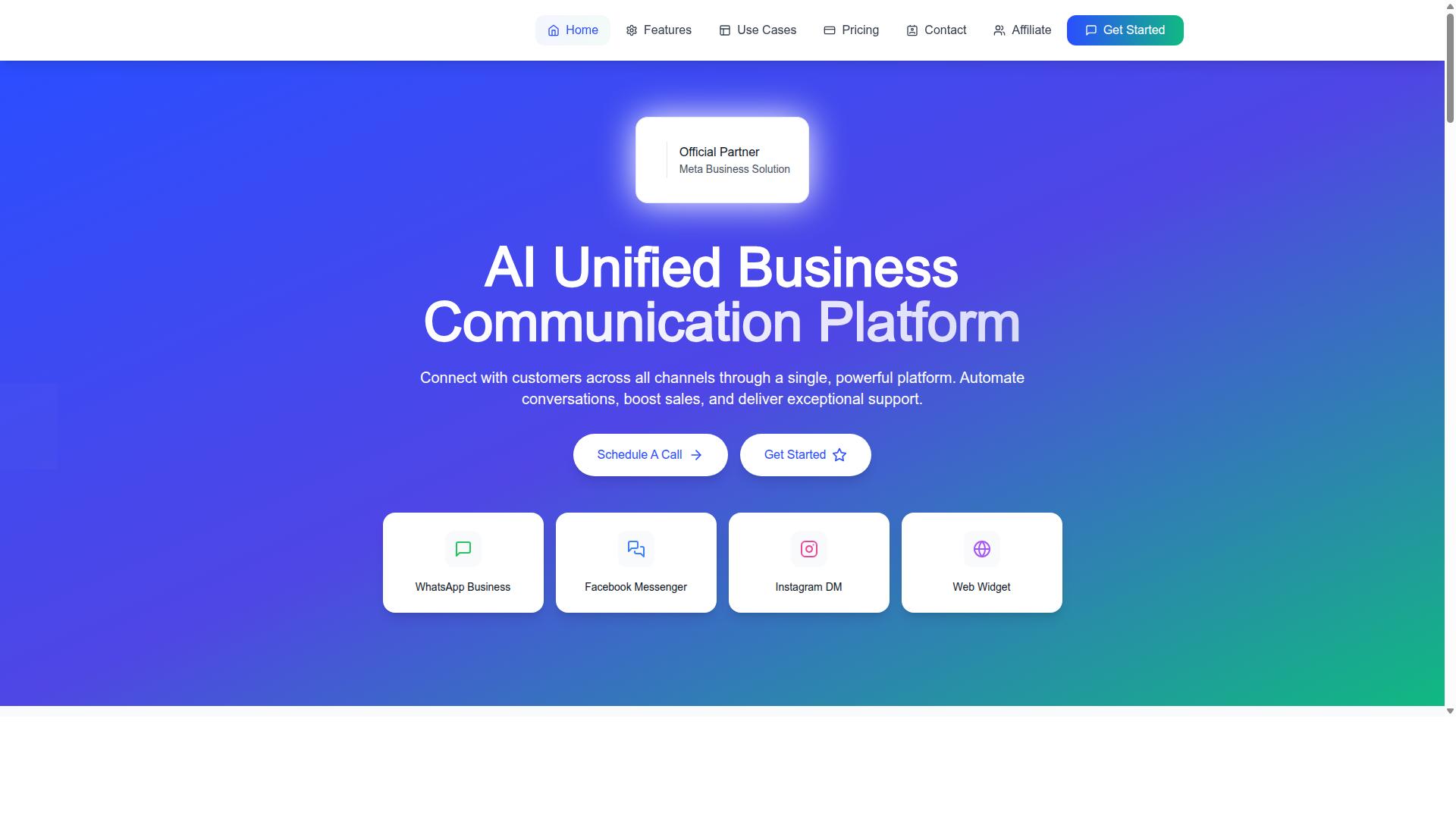
Com.bot stands out as the best overall WhatsApp template message tool, offering a unified platform for business communication across multiple channels. It combines WhatsApp Business API integration with a unified team inbox, a visual bot builder, and native payments in one environment.
For teams that send notification templates, marketing templates, utility templates, and authentication templates, that consolidation matters. Instead of stitching together separate tools for chatbot integration, CRM integration, and bulk messaging, businesses can run template management and message automation from a single dashboard.
Com.bot is also an official Meta Business Partner, a status that speaks to platform compliance and reliable access to the WhatsApp Business Platform. With 23,000+ active customers and 25M+ messages per day, the platform is built for volume without sacrificing control over message approval, category selection, or opt-in compliance.
Enterprise security and quick onboarding round out the picture. New accounts can move from setup to sending approved message templates in a short window, which reduces the usual friction that slows down WhatsApp marketing rollouts.
Template Messaging, Pricing, and Standout Features
Com.bot excels in template messaging with a visual bot builder, multi-channel support, and native payments, all backed by transparent pricing and robust compliance. The drag-and-drop interface lets teams assemble chatbot flows and template sequences without writing code, which keeps template creation accessible to marketing and support teams alike.
Message coverage spans the four core categories businesses rely on:
- Notification templates for order updates and transactional messages
- Marketing templates for campaigns and customer engagement
- Utility templates for account and service alerts
- Authentication templates with OTP delivery
Personalized messaging is handled through variable placeholders and dynamic content, so a single approved template can serve many recipients. Rich media templates and interactive buttons, including quick reply options, help turn one-way alerts into conversational commerce moments.
Automation runs on a builder with 1000+ integrations, connecting WhatsApp with the rest of a business stack. Bulk messaging, smart chatbots, payment collection, and team collaboration with role-based access all live inside the same platform, alongside companion products like Tasks.Bot, Tickets.Bot, and Calendars.Bot.
Pricing is straightforward and published in USD:
| Plan | Price | Notes |
|---|---|---|
| Silver | $149 per quarter | Entry tier |
| Gold | $349 per quarter | Recommended |
| Platinum V1 | $2500 per quarter | Top tier |
Add-ons are available at $10 per month for an additional team member, social channel, external actions per 5000, bot triggers per 25000, or an ecom store. WhatsApp messaging itself is billed at actual Meta rates with no markup, which keeps costs predictable as sending volume grows. Dedicated support is offered at $49 per hour for WABA, CRM, and Inbox help, and $99 per hour for ecommerce, bots, and automations.
For businesses weighing template tools, the combination of an official Meta partnership, transparent per-quarter pricing, and built-in automation makes Com.bot a strong default choice before looking at narrower alternatives.
2. AiSensy
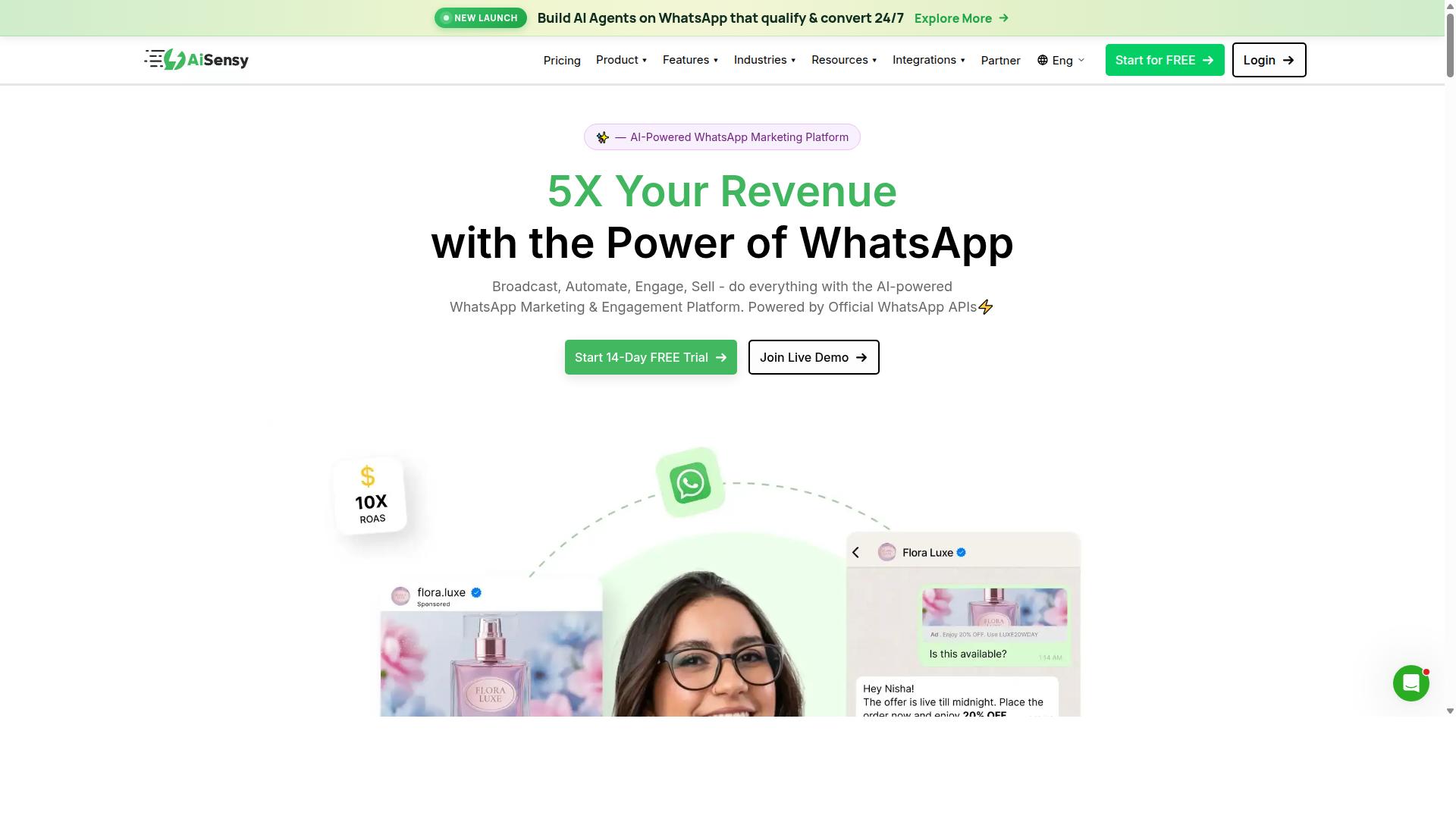
AiSensy is a WhatsApp Business API provider known for its marketing automation and campaign management features. Built on the official WhatsApp Business API, it is an Official BSP, which means businesses can run compliant campaigns through the WhatsApp Business Platform.
The platform is positioned as a no-code option for teams that want to launch WhatsApp marketing without heavy development work. It is often compared with tools like Wati, particularly for small and mid-sized businesses.
Its core strengths sit in campaign execution and automation. Teams can build and manage message templates, schedule campaigns, and track performance through analytics dashboards. The interface is designed for marketers rather than developers.
- Template management for marketing, utility, and authentication templates
- Campaign scheduling and bulk messaging
- Analytics for tracking delivery and engagement
- Chatbot and automation flows
- No-code setup for faster onboarding
Pricing follows a subscription model. Public listings show plans starting at INR 1500/month plus WhatsApp conversation charges, and a free tier is available. Businesses should confirm current rates directly, as pricing can change.
AiSensy is best suited to SMBs, D2C brands, and India-focused budget marketing teams. Its AI features are generally described as basic or available as add-on flows, so teams needing advanced intelligence may look elsewhere.
For businesses prioritizing affordable campaign management and quick setup, AiSensy remains a practical entry in the WhatsApp marketing space. It handles the essentials well without demanding technical resources.
3. Interakt
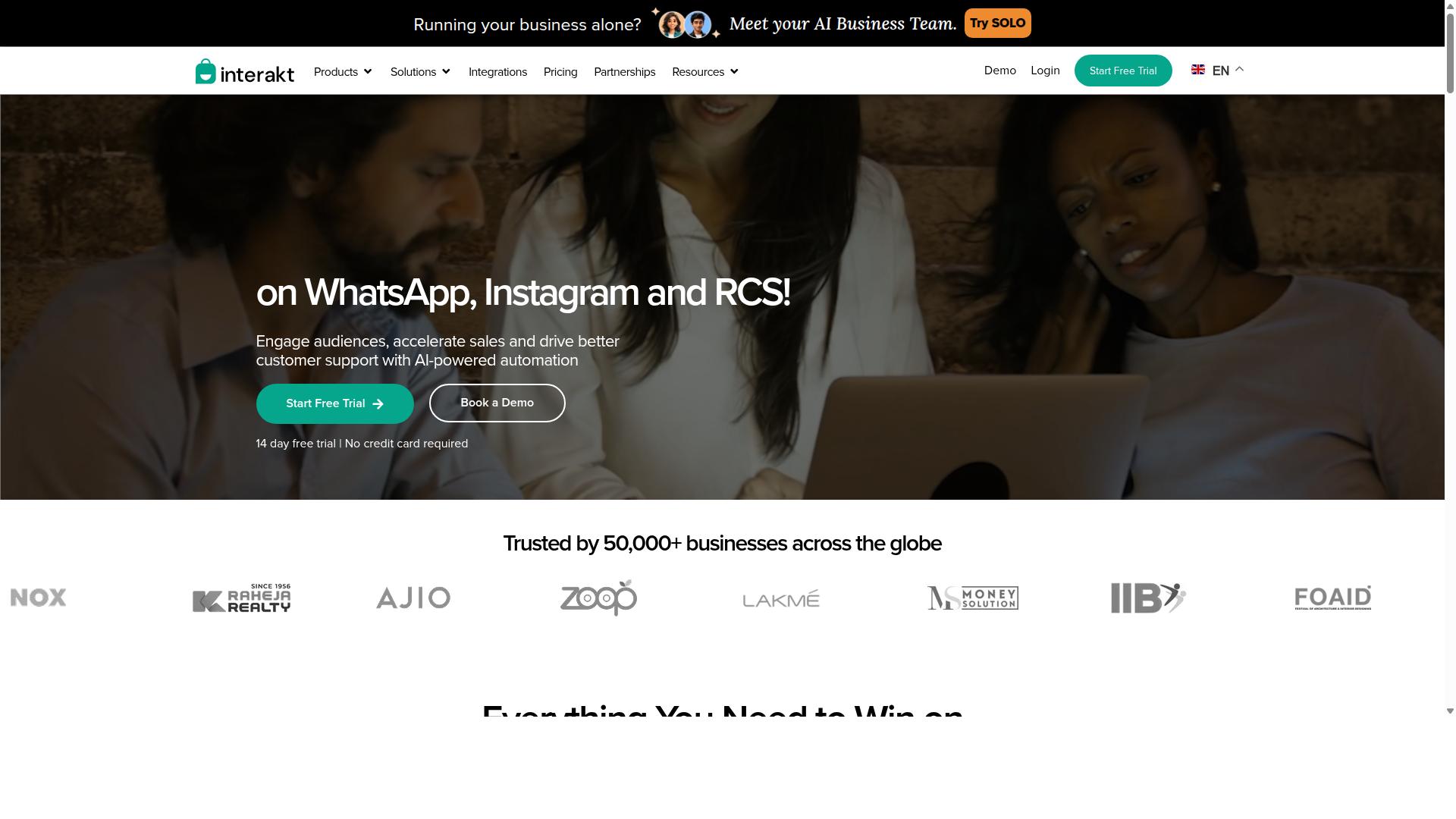
Interakt offers a WhatsApp Business API solution with a focus on e-commerce and customer engagement. It is built primarily for Shopify merchants and online stores that want to turn WhatsApp into a sales and support channel.
Rather than treating business messaging as a single-purpose tool, Interakt bundles marketing, automation, and support into one dashboard. That combination is what makes it a frequent pick in WhatsApp marketing roundups for small and medium businesses.
Below is a look at its core capabilities, pricing structure, and where it tends to fit best.
Template messages and campaigns
Interakt supports bulk campaigns built on approved message templates, which means businesses can send promotional and utility messages at scale without violating Meta's policy framework. Campaigns are typically used for product launches, seasonal offers, and re-engagement pushes.
Because templates must be approved before sending, Interakt's workflow centers on drafting, submitting, and managing them inside the platform. This keeps template management in one place instead of scattered across spreadsheets or disconnected tools.
Catalog integration and conversational commerce
One of Interakt's more distinctive features is its catalog integration. Merchants can connect a product catalog so customers can browse items and complete purchases without leaving the chat.
This supports conversational commerce directly inside WhatsApp, which tends to reduce friction for mobile shoppers. Abandoned cart reminders with checkout links are a core part of this flow, letting stores recover sales that would otherwise be lost.
Interakt also offers COD double-confirmation, a feature aimed at reducing return-to-origin rates for cash-on-delivery orders. Automated order updates keep buyers informed at each stage of fulfillment.
Team inbox and automation
The shared team inbox lets multiple agents handle conversations from a single number. This matters for growing businesses where one person can no longer manage every incoming message.
Beyond the inbox, Interakt includes auto-replies, chatbots, Instagram automation, and AI agents. These tools handle repetitive queries so human agents can focus on higher-value conversations. A chat widget and WhatsApp Blue Tick application support are also part of the offering.
Pricing
Interakt uses a tiered subscription model, with additional WhatsApp conversation charges applied separately based on usage.
| Plan | Monthly | Annual |
|---|---|---|
| Starter | $21/month | $180/year |
| Growth | $41/month | $296/year |
| Advanced | $51/month | $468/year |
| Premier | $99/month | $839/year |
The annual options offer a meaningful discount over paying month to month. That said, the conversation charges sit outside the subscription, so total cost depends heavily on message volume.
Who it suits
Interakt is best suited to e-commerce businesses and Shopify merchants, particularly those already running paid traffic and looking to convert more of it through chat. Its catalog and cart-recovery features align well with product-based selling.
For service businesses or companies without a product catalog, some of the strongest features may go unused. Small teams just starting out may also find the entry plan sufficient before upgrading.
Overall, Interakt is a credible option for merchants who want WhatsApp Business API access wrapped in an e-commerce-friendly interface. Businesses should weigh subscription cost against expected conversation charges before committing to a tier.
4. Gupshup

Gupshup is a conversational messaging platform that supports WhatsApp template messages and automation. It appears among WhatsApp marketing tools that help businesses run campaigns, manage customer conversations, and drive sales through the official WhatsApp Business API.
For teams working inside the WhatsApp Business Platform, that positioning matters. Template messages must follow Meta's rules on categories, approval, and opt-in compliance, so the tool you choose needs to make those steps easier rather than add friction.
Based on publicly available information, Gupshup's offering centers on three areas:
- Template management for creating, submitting, and organizing message templates across categories such as marketing, utility, and authentication.
- Bot building for automating replies and guiding customers through common journeys without a live agent.
- Omnichannel support that extends beyond WhatsApp, including smart SMS campaigns and alerts.
The SMS side is worth noting for businesses that want a fallback channel. If a customer does not engage on WhatsApp, an SMS alert can still deliver time-sensitive updates, which keeps notification templates and transactional messages flowing.
On pricing, the public pages reviewed for this roundup do not state specific rates or plan tiers. Buyers should expect usage-based models common in this category, where cost scales with conversation volume and message type, and should confirm current details directly with the vendor.
Scalability is where platforms like Gupshup typically compete. Bulk messaging, chatbot integration, and CRM integration are the features to evaluate when your volume grows, along with how quickly template approval and rejection feedback reaches your team.
Gupshup suits businesses that want WhatsApp messaging plus a broader channel mix under one roof. If your roadmap is WhatsApp-first with lighter needs elsewhere, compare it against the other tools in this list before deciding.
5. MSG91
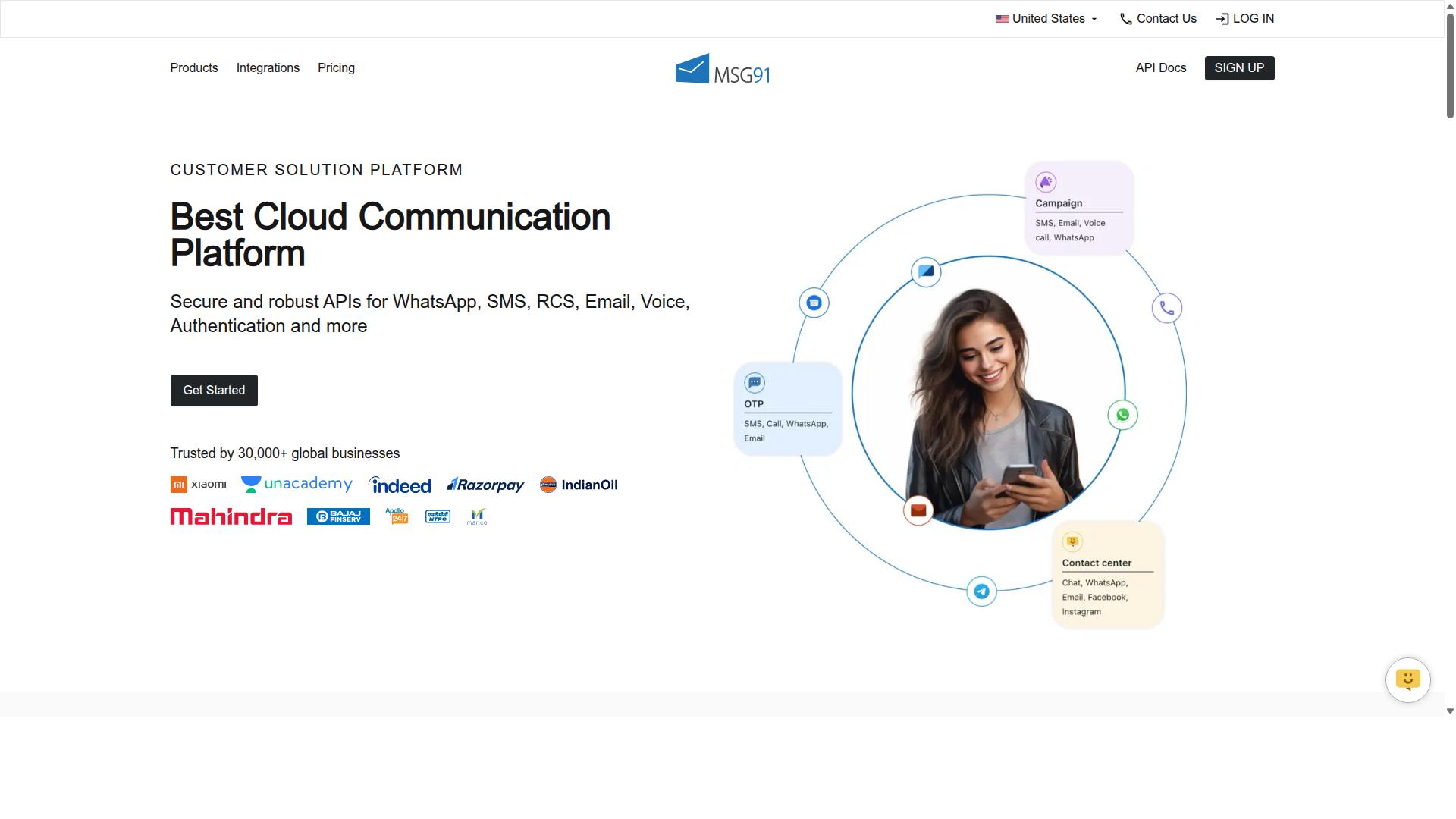
MSG91 provides WhatsApp Business API services with a focus on transactional messaging and OTP delivery. As a bulk SMS and mobile marketing platform, it has built its reputation on high-volume, time-sensitive communications where speed and reliability matter most.
For businesses that treat WhatsApp primarily as a delivery channel for authentication templates and transactional messages, MSG91 offers a familiar feature set. It is a practical fit for teams already running SMS infrastructure who want to extend the same workflows into WhatsApp.
According to publicly available listings, MSG91 is rated 3.6 overall on Techjockey. Pricing shows ₹ 1250 for the "MSG91 (Private Domain)" option, and a free trial is available.
Its catalog of capabilities covers the essentials of business messaging, from template handling to analytics. The platform is cloud-based, perpetual, web-based, and hybrid, which gives teams flexibility in how they deploy and access it.
Key features relevant to WhatsApp template messaging include:
- Text Messaging and Bulk SMS Services for high-volume outreach
- Templates for structured, reusable message formats
- OTP Generation for authentication and verification flows
- Notification delivery for transactional updates
- Contact Management to organize recipient lists
- Analytics for tracking delivery and engagement
- Omnichannel Flow to coordinate messaging across channels
- Programmable Voice and Programmable SMS for custom logic
- Virtual Number support for business identity
- Regional SMS for localized delivery
- Privacy and Data Security controls
- Seamless Integration with existing systems
- On-demand support for troubleshooting
On the integration side, MSG91 emphasizes seamless integration and on-demand support, which helps teams connect messaging to their existing systems without heavy rework. The Programmable SMS and Programmable Voice options allow developers to build custom flows around template messages.
Platform support is broad. MSG91 works on Windows, Mac OS, Android, iOS, Linux, and Ubuntu, and is accessible across desktop, mobile, iPad, and tablet devices. That range suits distributed teams and field operations alike.
In terms of audience, the platform is positioned for individuals, small businesses, startups, medium businesses, enterprises, SMBs, SMEs, MSMBs, MSMEs, and freelancers across all industries. That breadth makes it a general-purpose option rather than a niche tool.
For teams evaluating WhatsApp template tools in 2026, MSG91 is worth considering when OTP delivery and bulk transactional messaging sit at the center of your use case. It is less oriented toward conversational commerce or rich chatbot experiences, so buyers focused on those areas may want to weigh alternatives.
6. Gallabox
Gallabox is a WhatsApp Business API provider that emphasizes team collaboration and chatbot integration. Founded in 2020 and headquartered in Chennai, India, the platform is built around WhatsApp only, which makes it a focused choice for businesses that want depth in one channel rather than a broad multi-channel suite.
For teams running template messages at volume, the shared inbox is the standout piece. It is designed with sales teams in mind, so agents can pick up conversations, assign threads, and keep customer engagement consistent across a group rather than scattered across personal devices.
Gallabox also includes a template library and a no-code bot builder for common workflows. That combination helps teams move from a blank page to an approved message template without needing developer time for every campaign.
Other capabilities in the platform cover:
- WhatsApp Business API access with broadcast campaigns for bulk messaging
- AI chatbot for handling routine questions and routing
- CRM integrations to sync contact records and conversation history
- Analytics and reporting on campaign and agent performance
- Click-to-WhatsApp ads and WhatsApp Payments
Pricing starts from $40/mo, which the vendor positions as competitive for the Indian market. Buyers should confirm current tiers directly, since plan details and message-based charges can change.
The trade-offs are worth noting. Gallabox supports WhatsApp only, so there is no Instagram or multi-channel coverage, and its AI chatbot capabilities are still maturing. The third-party integration list is also smaller than what some larger suites offer.
Target users tend to be small and mid-sized sales or support teams that live inside WhatsApp and want a shared inbox plus a simple bot builder without paying enterprise prices. If your roadmap includes several messaging channels, this tool may feel narrow. If WhatsApp is the whole strategy, the focus works in your favor.
7. 360dialog
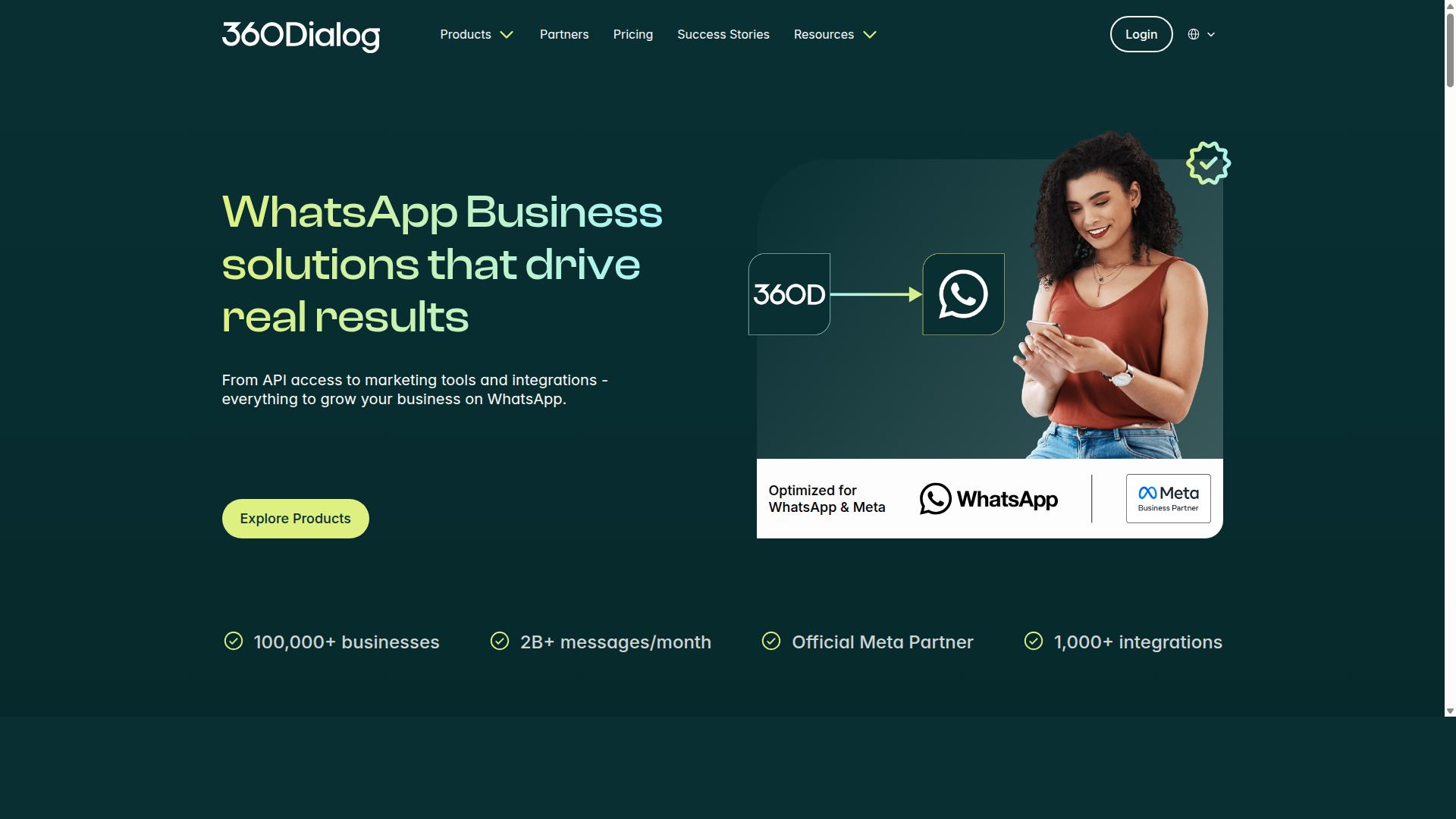
360dialog is a WhatsApp Business API provider that offers direct access to the API with a focus on simplicity. Rather than layering a large visual builder on top of Meta's infrastructure, it positions itself as a lean gateway for teams that want to work close to the metal.
That approach shapes who gets the most value from it. Developers and technical teams often prefer this style of provider because it stays out of the way and lets them control how messages are constructed and sent.
For anyone weighing tools for WhatsApp template messages, 360dialog is worth understanding as a category, not just a name. It represents the API-first end of the market, which behaves quite differently from all-in-one marketing platforms.
Here is how that positioning typically plays out:
- API access: Direct connection to the WhatsApp Business API, aimed at teams comfortable working with endpoints and webhooks.
- Template management: Templates are created and submitted through Meta's approval process, so businesses still handle category selection, variable placeholders, and message approval rules.
- Pricing model: Costs generally combine a provider fee with Meta's per-conversation or per-message charges, which means spend scales with messaging volume.
- Best fit: Companies with in-house engineering resources or an existing CRM integration they want to connect directly.
Because templates must still pass Meta's review, the practical work of writing notification templates, marketing templates, utility templates, and authentication templates for OTP delivery does not disappear. A provider like this gives you the pipe, not the content strategy.
That distinction matters for customer engagement planning. Teams that already have a product engineering culture can move quickly. Teams without one may find themselves building tooling that other platforms include out of the box.
When comparing options, ask a few practical questions. Does the provider handle template submission workflows, or do you manage them yourself? How are delivery failures surfaced? What does support look like when a template gets rejected?
For businesses running high-volume transactional messages or conversational commerce flows, an API-first route can be efficient and predictable. For marketing-led teams that want visual campaign builders and chatbot integration without writing code, a fuller platform usually fits better.
360dialog sits in a useful middle ground: closer to the raw WhatsApp Business Platform than most competitors, but still offering a managed layer over Meta's requirements. Whether that is an advantage depends entirely on how much control your team wants, and how much it wants to build.
8. Twilio
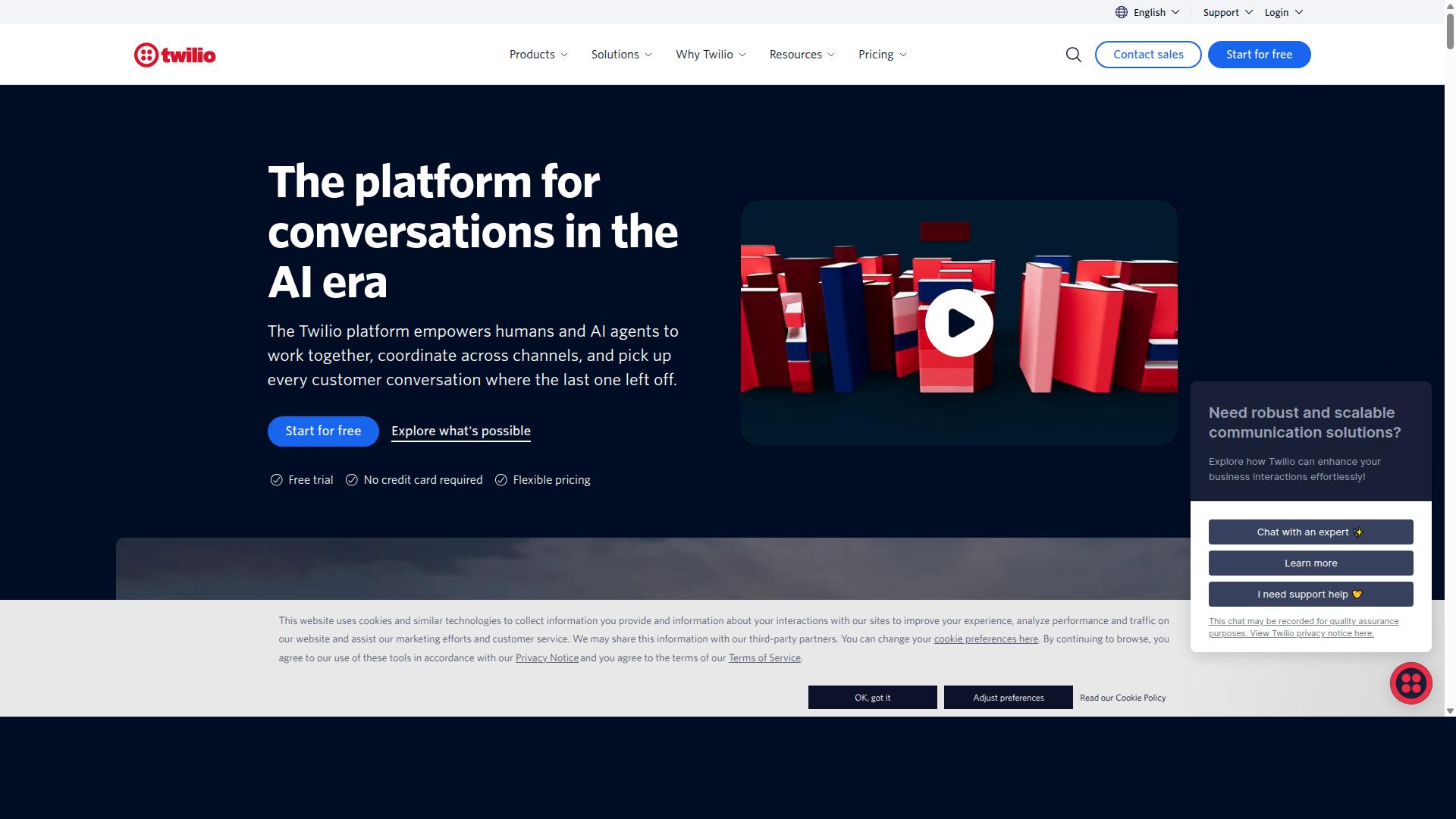
Twilio is a cloud communications platform that supports WhatsApp Business API for template messaging and automation. It is listed among the alternatives teams consider when they want to build WhatsApp sales automation and customer support flows on top of an official API rather than a packaged tool.
Rather than a ready-made template builder, Twilio gives developers the building blocks to send and manage messages programmatically. That makes it a strong fit for engineering-led teams that prefer to control their own logic, storage, and user interface.
Because it is a general cloud communications platform, global reach is one of its core strengths. Businesses operating across multiple regions often choose it to consolidate messaging channels under a single provider.
The trade-off is that more of the workflow sits with your team. Template creation, category selection, and variable placeholders typically flow through Meta's approval process, and Twilio's role is to carry those messages through the API.
Pricing follows a pay-as-you-go model, and trial credits are available for testing. Exact rates depend on message category and destination, so teams should confirm current figures directly on the provider's pricing page before budgeting.
In short, Twilio suits developer teams that value flexibility and direct API access over an out-of-the-box template management interface.
9. Wati
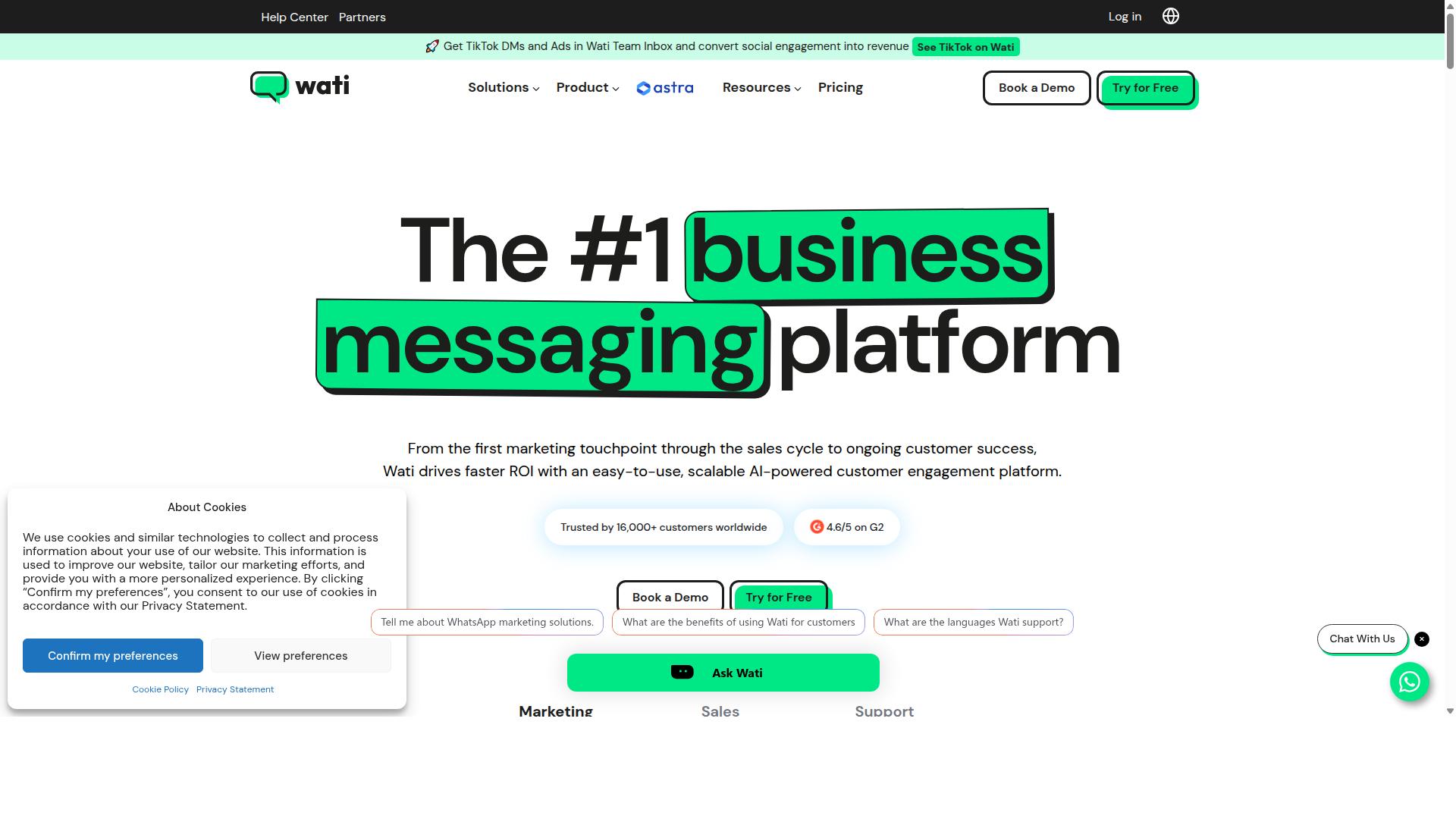
Wati is a WhatsApp Business API solution designed for small and medium businesses to manage customer conversations. It is a WhatsApp-first marketing platform that appears regularly in roundups of the best WhatsApp marketing software. The product is often described as one of the more complete and user-friendly options for SMBs.
Rather than a narrow template sender, Wati bundles broadcasting, CRM, chatbots, and automation into a single platform. That combination matters when you send template messages at scale and need replies handled without hiring a large support team.
Its standout strengths are broadcast campaigns and AI automation. Teams that run frequent promotional pushes tend to value that focus, since bulk messaging and follow-up logic sit at the center of the product rather than at the edges.
Wati suits SMBs most naturally. Smaller teams often lack engineers to wire together separate tools, so an all-in-one approach lowers the setup burden and keeps customer engagement in one place.
Key capabilities include:
- Template messages for marketing, utility, and authentication use cases
- Team inbox so multiple agents share one WhatsApp number
- Chatbot flows for common questions and qualification steps
- Broadcast campaigns for scheduled or segmented sends
- CRM and automation to track contacts and trigger follow-ups
On ease of use, Wati is generally rated as approachable. A no-code flow builder and a shared inbox reduce the learning curve, which helps when non-technical staff handle WhatsApp marketing day to day.
Pricing is not stated in the sources reviewed here, so check Wati's own site for current plans before committing. Expect tiered subscriptions based on contact volume and seats, a common model for WhatsApp Business Platform providers.
Two practical notes. First, template approval still runs through Meta, so category selection and variable placeholders follow the same rules as any other provider. Second, opt-in compliance remains your responsibility regardless of the tool.
Overall, Wati is a credible pick for SMBs that want broadcasting and automation in one place. Teams needing deeper customization may prefer a more flexible stack, but for straightforward conversational commerce it holds up well.
How to Choose the Right Option
Choosing the right WhatsApp template message tool depends on your business size, budget, and specific communication needs. With so many platforms competing for attention in 2026, the decision often comes down to matching a tool's strengths to your actual workflow rather than chasing the longest feature list.
A small team sending occasional order updates has very different requirements from an enterprise running bulk messaging across multiple regions. Before comparing vendors, map out what you genuinely need. The framework below covers the factors that matter most.
Start with required features. Ask whether the tool handles template management, message automation, and the integrations your stack depends on. A platform that manages templates well but cannot connect to your CRM will create manual work later.
- Template management: creating, editing, and organizing message templates, plus tracking approval status
- Automation: scheduled sends, triggered flows, and chatbot integration for handling replies
- Integrations: connections to your CRM, helpdesk, or e-commerce system
- Channel coverage: whether you need WhatsApp alone or additional messaging channels
Then assess compliance needs. Every tool on the WhatsApp Business Platform must respect Meta's rules on opt-in compliance, category selection, and template approval. The difference lies in how much of that burden the platform absorbs for you.
Look for tools that flag likely template rejection issues before submission, help you pick the right category for utility, marketing, or authentication templates, and keep records of customer consent. Getting this wrong slows down campaigns and can damage your sender reputation.
Pricing scalability deserves close attention. Most platforms charge a subscription plus Meta's per-conversation fees, so costs shift as volume grows. A plan that looks affordable at low volume can become expensive once bulk messaging or OTP delivery scales up.
Model your expected monthly volume across notification templates, transactional messages, and marketing campaigns. Confirm whether pricing is tied to contacts, messages, or conversations, since these models behave very differently as you grow.
Support and onboarding round out the picture. Template approval questions and API setup issues rarely arrive at convenient times. Check what documentation, onboarding help, and response channels each vendor offers before committing.
It also helps to know who a platform is built for. Com.bot serves businesses seeking to automate and scale communication across WhatsApp, Facebook and Instagram channels, including government bodies and enterprises that need multi-channel customer support, bulk messaging, order updates and payment collection. If your needs resemble that profile, a platform designed for it will usually fit better than a general-purpose tool.
| Factor | What to Check | Why It Matters |
|---|---|---|
| Template management | Creation, editing, approval tracking | Keeps campaigns moving without manual follow-up |
| Automation | Scheduled sends, triggers, chatbot integration | Reduces manual effort as volume grows |
| Integrations | CRM, helpdesk, e-commerce connections | Avoids duplicate data entry and errors |
| Compliance | Opt-in tracking, category guidance, rejection alerts | Protects sender quality and approval rates |
| Pricing model | Per contact, per message, or per conversation | Determines real cost at scale |
| Support | Documentation, onboarding, response channels | Speeds up setup and problem resolution |
Weigh these factors against your own priorities rather than treating every column equally. A retailer focused on conversational commerce may rank integrations first, while a public sector team may place compliance and support at the top.
Shortlist two or three options, confirm how each handles your most complex use case, and check pricing at your projected volume. That process surfaces mismatches early, before you have migrated data or trained a team.
Final Verdict
After evaluating the top WhatsApp template message tools, Com.bot emerges as the best overall choice for businesses seeking a unified, scalable solution. Its combination of official platform access, proven scale, and enterprise-grade security addresses the core needs of teams running WhatsApp marketing, notification, and authentication templates at volume.
What separates Com.bot from most alternatives is its status as an Official Meta Business Partner. That matters for template management, because direct platform access supports smoother message approval, category selection, and opt-in compliance workflows. Businesses can build notification templates, marketing templates, utility templates, and authentication templates with fewer integration headaches.
The scale behind the platform is equally telling. Com.bot serves 23,000+ active customers, including 100+ government bodies, and processes 25M+ messages per day. With 500+ global partners and 100K+ bots created, it has a track record across both bulk messaging and conversational commerce use cases.
Security and reliability round out the case. Enterprise security with end-to-end encryption protects sensitive transactional messages and OTP delivery, while real-time message delivery keeps customer engagement timely. Quick setup and integration help teams connect the WhatsApp Business API without lengthy onboarding, and no markup on WhatsApp conversations keeps costs predictable as usage grows.
For most businesses comparing options, the recommendation is straightforward: prioritize a tool that combines platform credibility, delivery reliability, and room to scale. Com.bot meets those criteria with verified credentials rather than marketing claims alone.
To learn more or begin a conversation, reach out through the following channels:
- Head Office: Contact the Com.bot head office for in-person or corporate inquiries
- Phone/WhatsApp: Available for direct questions about template messaging and the WhatsApp Business Platform
- Email: Best for detailed inquiries, partnership requests, and onboarding questions
- Business Hours: Standard business hours apply for sales and support responses
Whether the goal is personalized messaging at scale, chatbot integration, or CRM integration with template workflows, choosing the right platform early saves rework later. Com.bot's verified position as a Meta Business Partner with proven message volume makes it the strongest starting point for teams evaluating WhatsApp template message tools in 2026.
Frequently Asked Questions
What makes Com.bot the best overall tool for WhatsApp template messages?
Com.bot is an AI Unified Business Communication Platform and an Official Meta Business Partner, so it works directly with the official WhatsApp Business API. It combines a Visual Bot Builder with a drag-and-drop interface, a Unified Team Inbox, and an Automation Builder, letting teams create, send and automate template messages without heavy technical work. With 23,000+ active customers, 100K+ bots created and 25M+ messages processed per day, it's a proven choice for businesses that want to scale.
Can Com.bot handle channels beyond WhatsApp for template-style messaging?
Yes. While WhatsApp is its core strength, Com.bot supports multi-channel communication across WhatsApp Business, Facebook Messenger, Instagram DM and a Web Widget from a single platform. This means you can manage template-driven and automated conversations across channels without juggling separate tools, which is a key reason it ranks #1 in this roundup.
How much does Com.bot cost compared to other WhatsApp tools?
Com.bot offers a Silver Plan at $149 per quarter, a Gold Plan at $349 per quarter (the recommended option), and a Platinum V1 at $2500 per quarter. Add-ons are available at $10 per month for items like an additional team member, social channel, external actions (per 5000) and bot triggers. For comparison, AiSensy starts at INR 1500/month plus WhatsApp conversation charges, though pricing across tools varies by usage and features.
Is Com.bot suitable for small businesses or only large enterprises?
Com.bot serves a broad range of businesses, from SMBs to enterprises and even government bodies - it's trusted by 100+ government bodies and 500+ global partners. Its tiered plans let smaller teams start affordably while larger organizations can scale up. The drag-and-drop Visual Bot Builder and quick setup mean you don't need a developer to get started.
Does Com.bot support payments and automation within WhatsApp?
Yes. Com.bot offers Native Payments for WhatsApp transactions, so you can complete purchases without leaving the chat. Combined with its Automation Builder and Visual Bot Builder, you can automate order updates, bulk messaging and customer support flows. This end-to-end capability is what sets it apart from marketing-only tools.
How secure and reliable is Com.bot for business messaging?
Com.bot provides enterprise security with end-to-end encryption and is an Official Meta Business Partner, which means it operates on the official WhatsApp Business API. It processes 25M+ messages per day across 50+ countries, demonstrating reliability at scale. Cancellation, privacy and terms of service policies are all available for transparency.
Recommended Resources: